
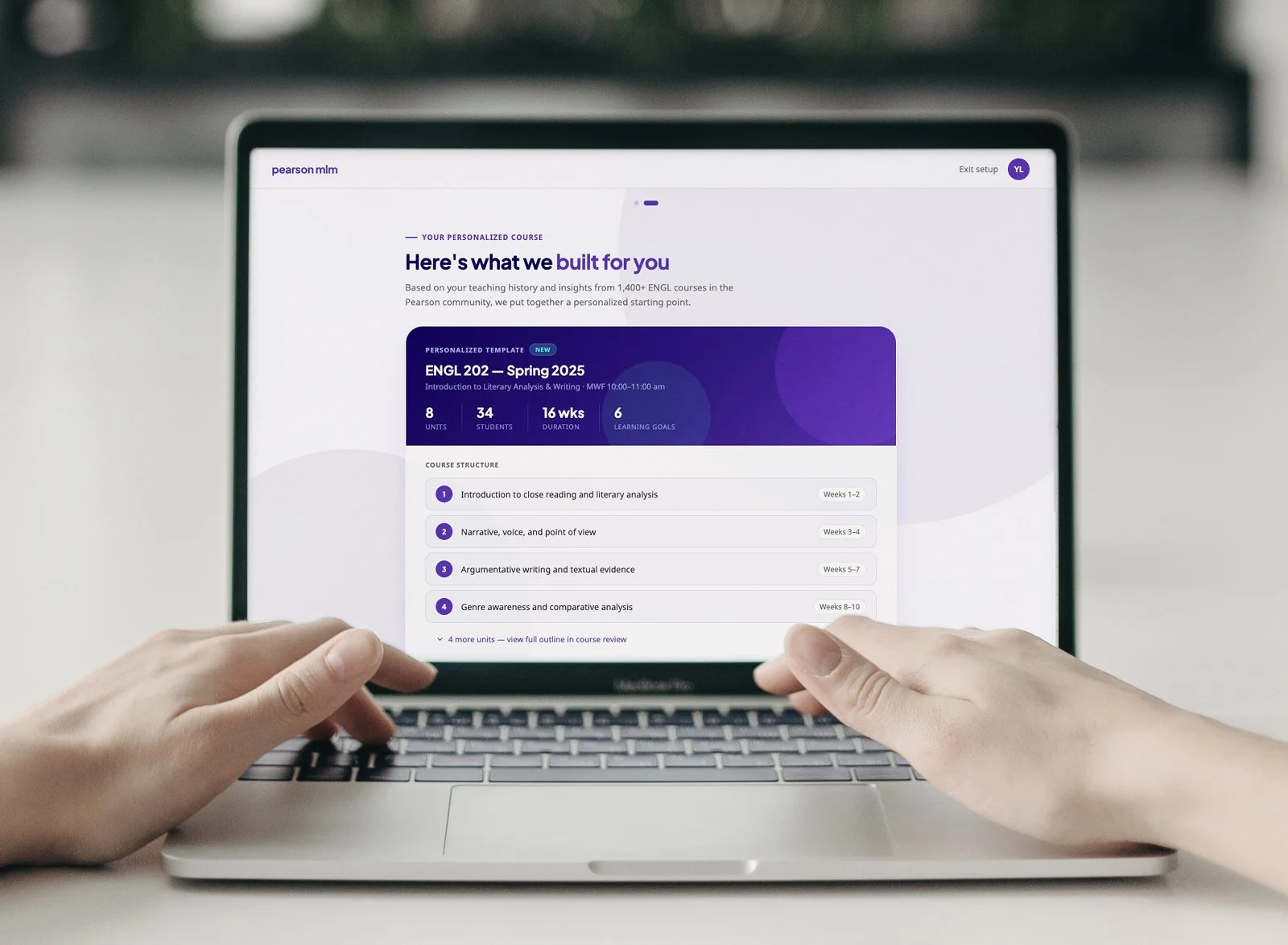
AI Prototyping
From prompts to prototype in under 2 hours
TL;DR
Role: Product Design Manager, AI Prototyping Group Lead
Collaborators: Learning science, engineering, product, and research partners
Scope: Course setup experience for an enterprise learning platform
Focus: Leading a cross-functional AI prototyping session to explore how instructors can build courses that surface actionable mid-course data
Impact: Functional prototype built collaboratively in under two hours, producing a concept now informing platform direction and demonstrating AI-assisted design as a viable ideation method
The Problem
Instructors set up a course once and fly blind. By the time they realize students are struggling, there is little time left and no clear signal on what to change.
We framed the session around one question:
How might we give instructors a setup experience that surfaces meaningful data mid-course and tells them what to do with it?
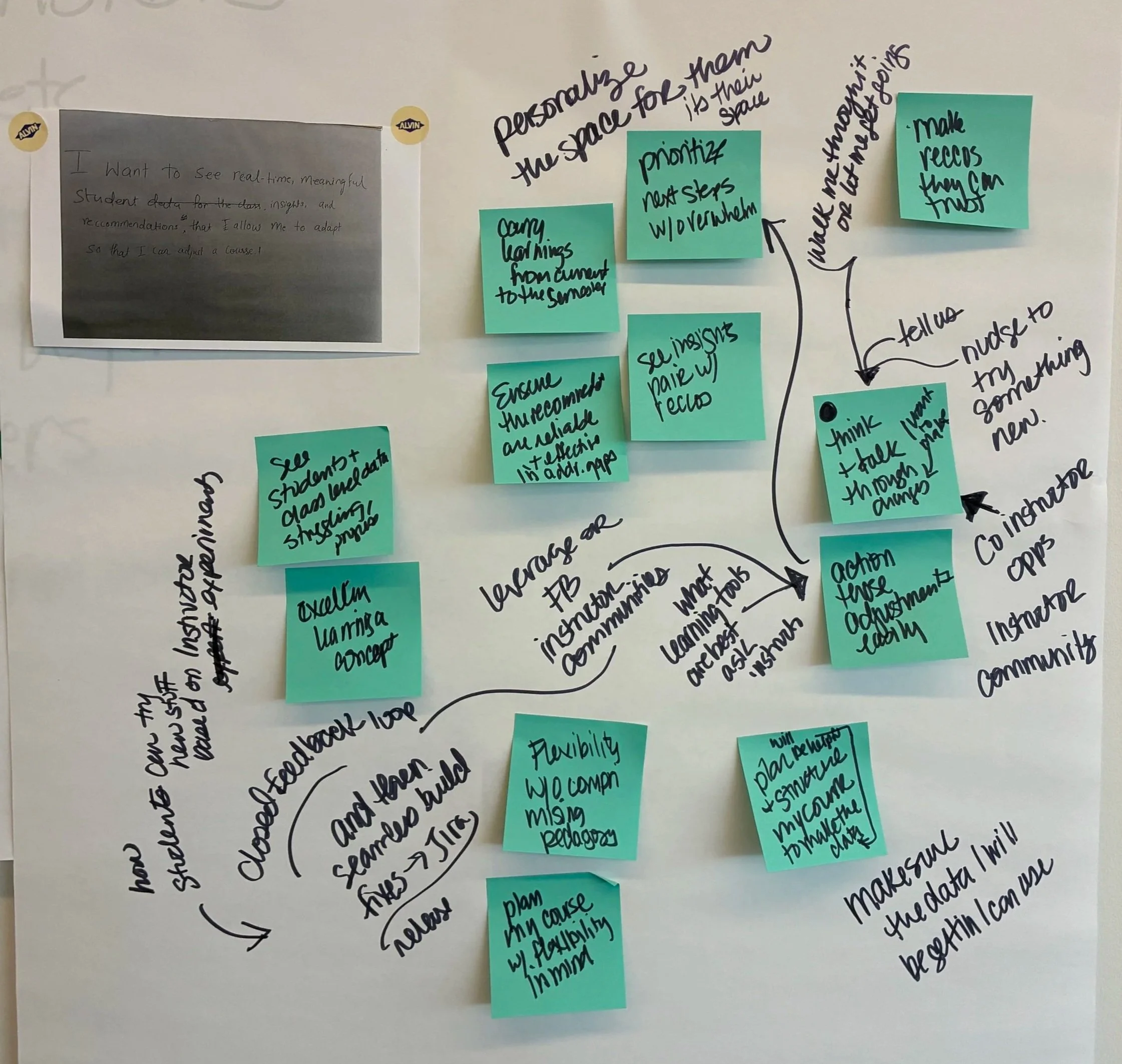
Collection of my breakout group’s HMW statements during the onsite
What I Did
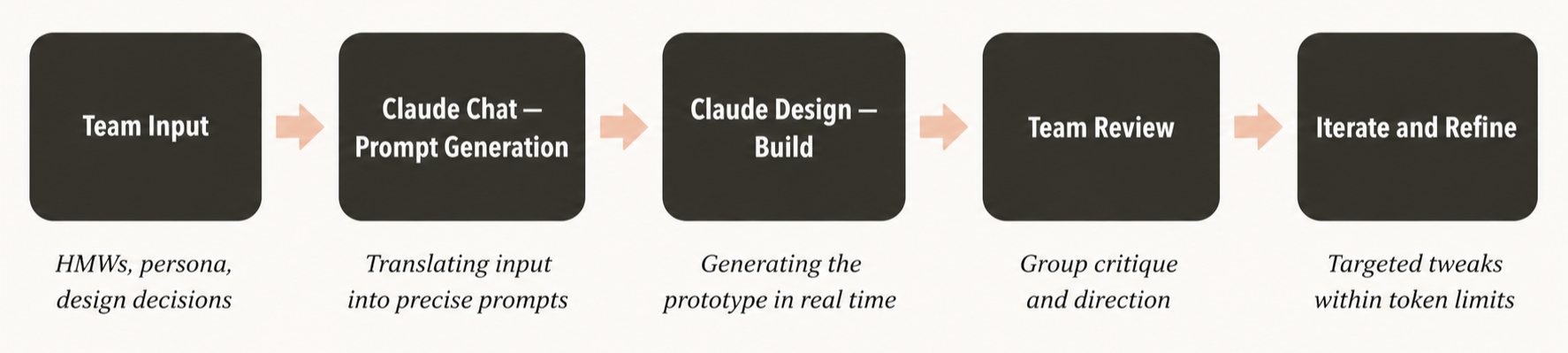
Before touching any tools, I facilitated the team through HMWs, jobs to be done, pain points, and an instructor persona. Getting learning science, engineering, product, and research voices into the framing before the build was deliberate.
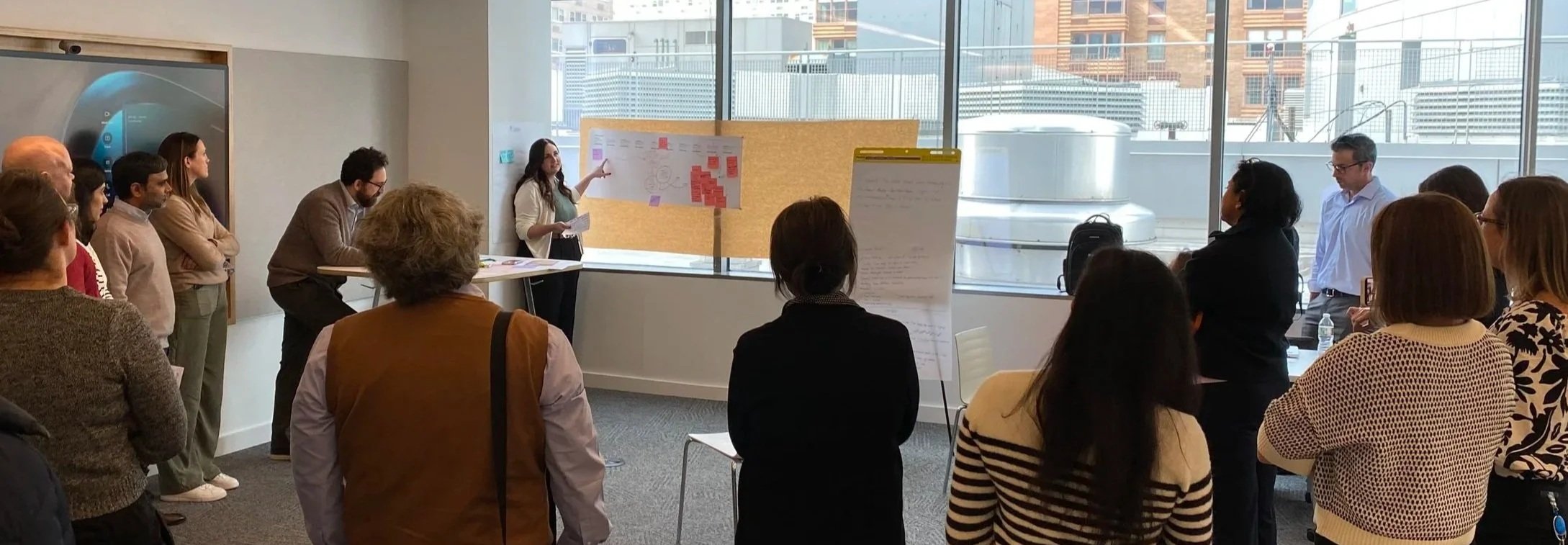
Sharing my group’s persona, pain points, and journey mapping work to the rest of the team
Once we had alignment on the problem, I directed the AI prototyping session in real time, shaping prompts, making live design decisions, and keeping the build focused on the core insight.
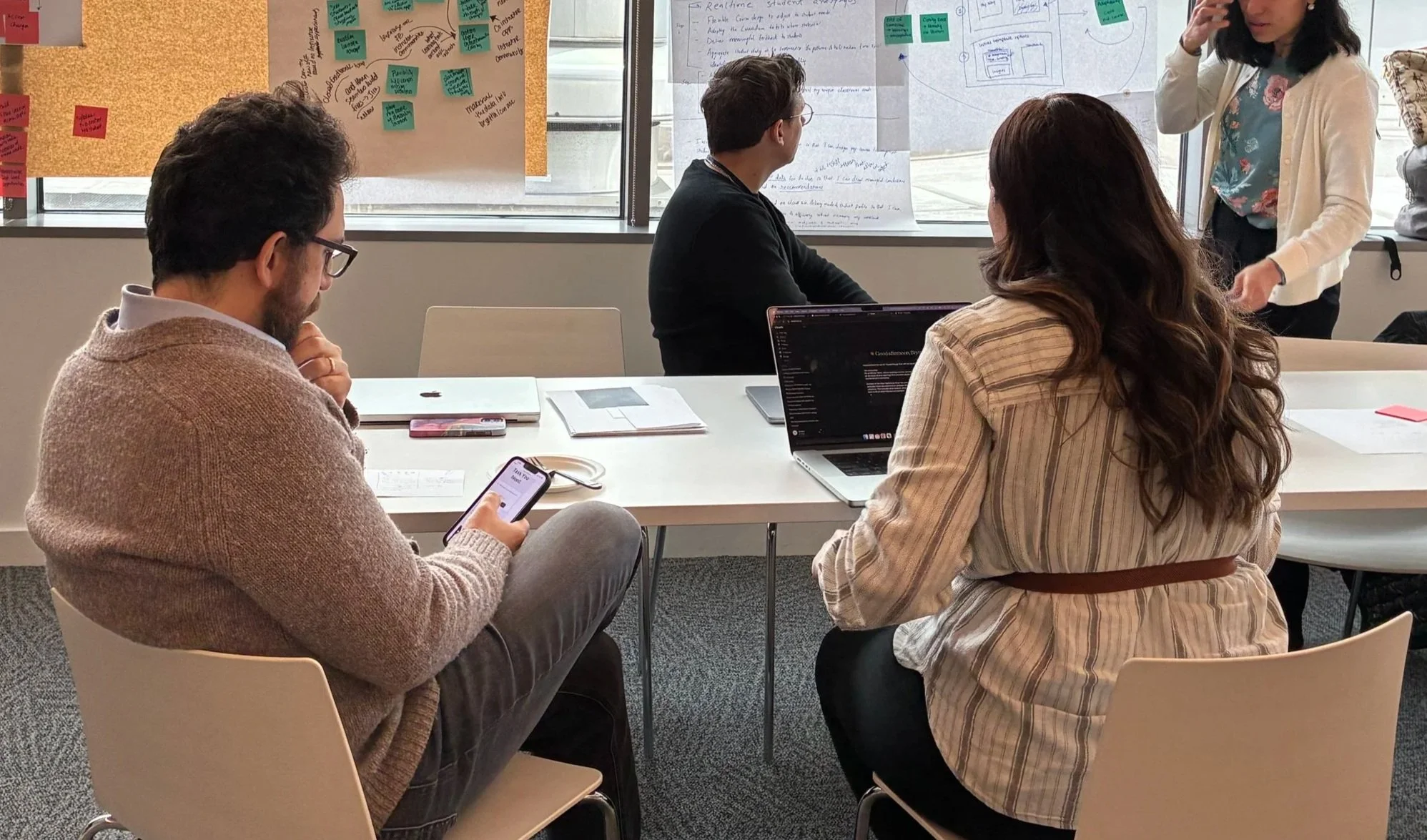
Collaborating with my breakout group on the initial AI prompt
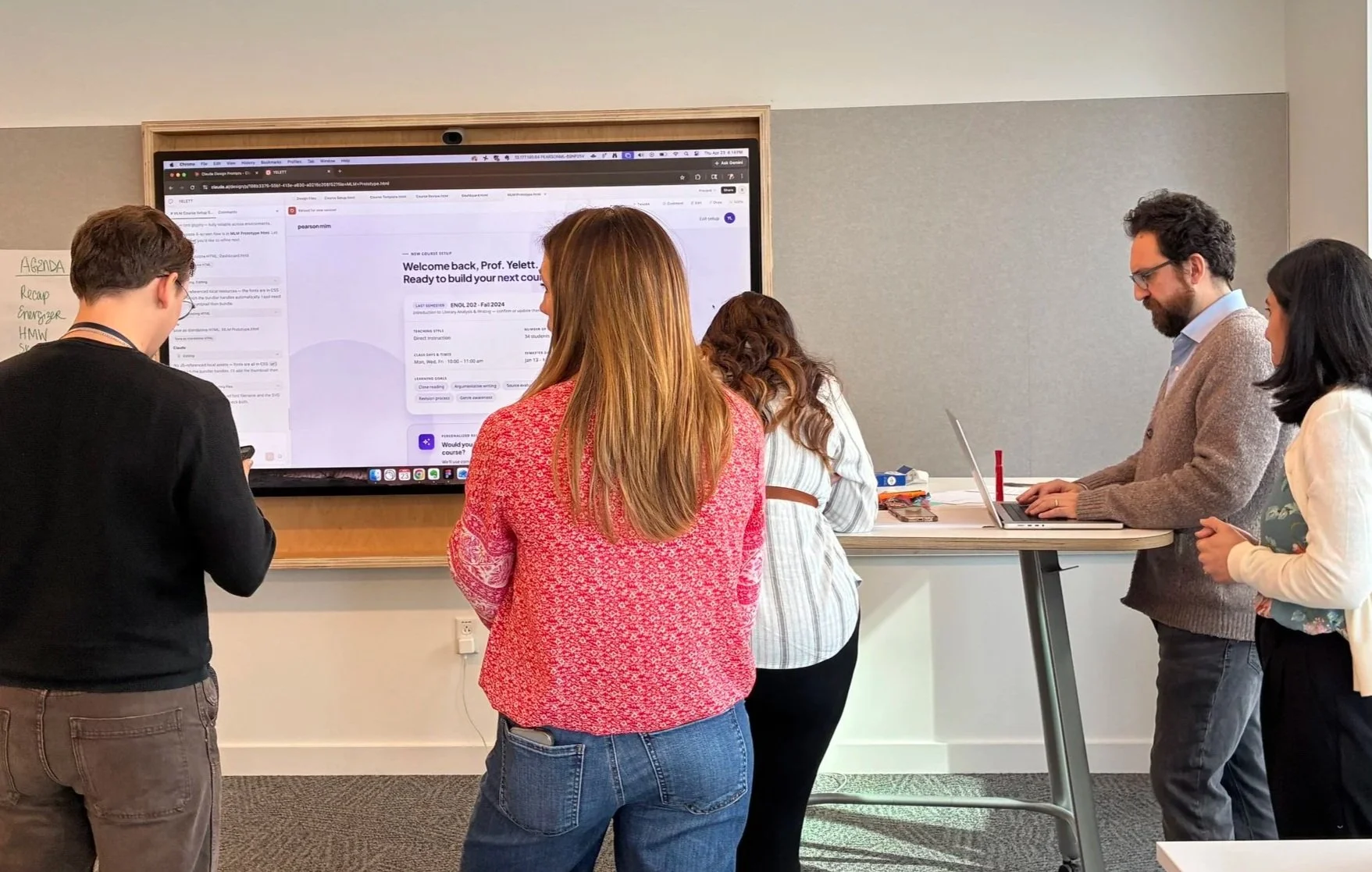
Working in Claude Design to build the prototype in real-time with the group
How we prompted, and what happened when Cursor went down
I trained on the tools ahead of time and set up Claude Design the night before as a backup, with our design system already embedded and ready to go. When Cursor hit technical issues mid-session, the pivot was immediate and seamless.
From there I used Claude to generate specific prompts based on our team's collaborative input, translating HMWs, persona details, and design decisions into precise instructions for Claude Design. We iterated in real time, refining outputs as a group and making deliberate tweaks to stay within token limits without losing fidelity. The prompting process itself became a design activity.
“I can’t wait to try vibe coding on my own. You were a great leader helping with that effort.”
“It was impressive to see the prototype come together so quickly.”
The Prototype
The concept is a course setup experience with three layers. Guided setup pulls from community insights and the instructor's own course history to recommend structure, pacing, and content without requiring expertise to get started. Customization options let advanced instructors go deeper without blocking novice ones. A metric preview shows instructors what data signals they will see mid-course based on how they set up, so they know what to watch for before students fall behind.
Outcomes
Functional prototype built collaboratively in under two hours
Cross-functional alignment on a concept now informing platform direction
Demonstrated AI-assisted design as a viable rapid ideation method
Built team confidence in AI-assisted design as a viable approach for rapid concept development
Key Insights
Constraints produce clarity. Two hours forced prioritization. The prototype is sharper for it.
AI accelerates ideation without replacing judgment. Prompting well is a critical thinking skill.
Cross-functional voices make prototypes stronger. Grounding the concept before building meant the prototype had real logic behind it.
Speed changes the stakeholder conversation. A working prototype the same day resets what people think design can do.